

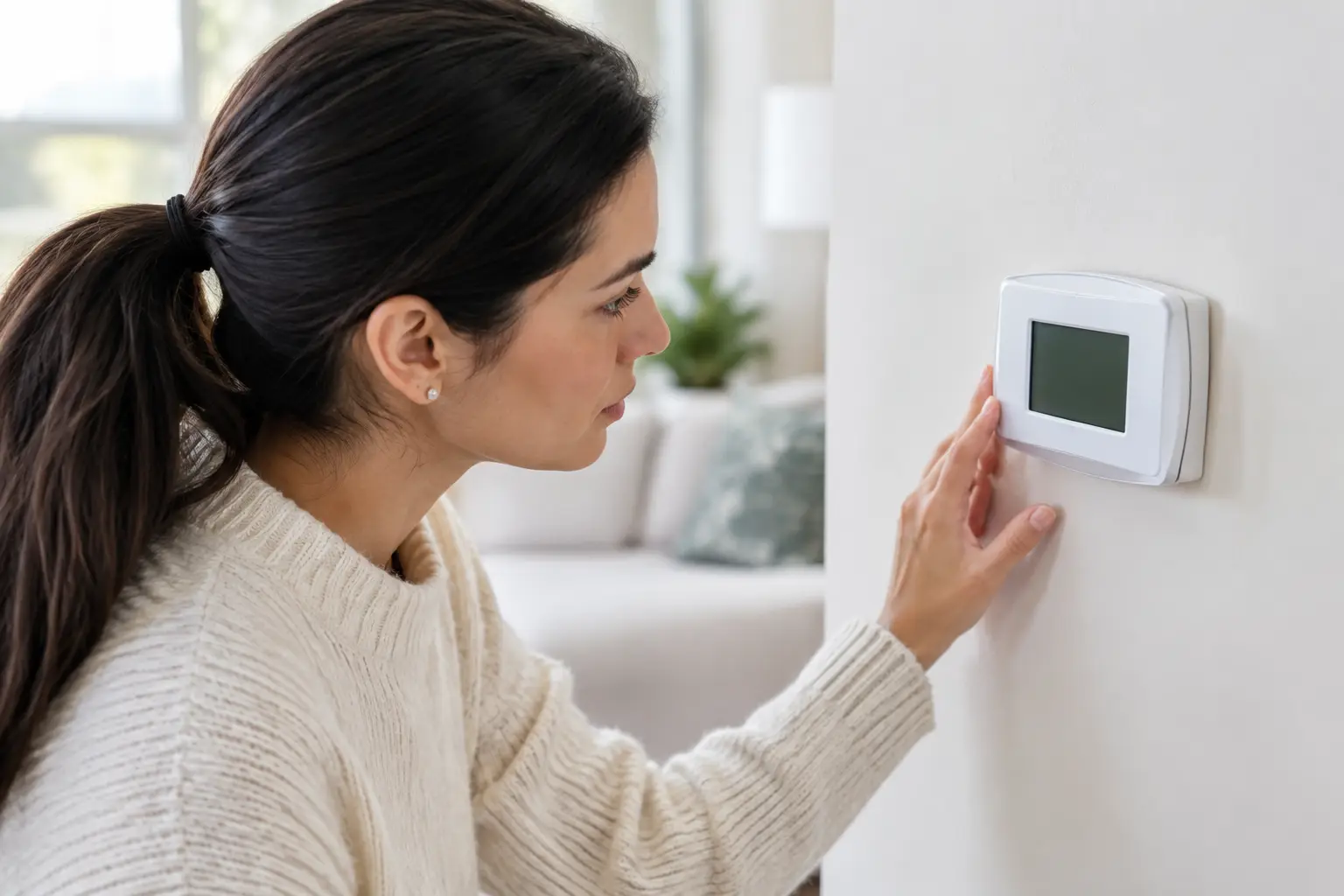
A blank thermostat screen can turn a normal Charlotte summer afternoon into an urgent problem fast. If you searched “why does my thermostat blank,” the short answer is usually power: either the thermostat batteries are dead, or the thermostat is no longer receiving low-voltage power from your HVAC system. The right fix depends on which one it is.
A dark screen does not automatically mean you need a new thermostat or a new heating and cooling system. In many cases, the problem is a battery, tripped breaker, clogged condensate drain, or a small electrical component inside the indoor unit. Start with the simple checks, then know when to stop and have a qualified HVAC technician find the actual fault.
Why Does My Thermostat Go Blank?
Most thermostats need one of two power sources: batteries, 24-volt power supplied by the HVAC equipment, or both. Basic programmable models may run primarily on batteries. Many newer smart thermostats use HVAC power and keep batteries only as backup. When that power source disappears, the display may dim, flash, restart repeatedly, or go completely blank.
The key question is whether the thermostat itself has failed or whether it is reacting to a problem elsewhere in the system. Replacing a thermostat before checking the system can waste money and leave the real issue unresolved.
Start With the Safe, Simple Checks
Replace the batteries
If your thermostat uses batteries, install a fresh set of the correct type. Do not assume batteries are fine because you replaced them a few months ago. Extreme indoor temperatures, a weak battery connection, or a thermostat that relies on batteries more heavily during a power interruption can drain them sooner than expected.
Check for corrosion or loose battery contacts while the cover is off. If fresh batteries restore the display but the thermostat goes blank again quickly, the thermostat may not be getting the HVAC power it should receive. That calls for a closer inspection.
Check the HVAC breaker and power switch
Your thermostat may go blank if the furnace, air handler, or heat pump loses power. Look at the electrical panel for a tripped breaker labeled HVAC, furnace, air handler, or AC. A breaker that sits in the middle position has likely tripped. Turn it fully off, then back on once.
If it trips again, leave it off. Repeated breaker trips can point to a shorted wire, failing motor, electrical component problem, or another issue that should not be handled by repeated resets.
Also check the service switch near the indoor equipment. It often looks like a regular wall switch and can be bumped off accidentally in a garage, attic, closet, or mechanical room. If you have a furnace, make sure the access panel is installed correctly. Many furnaces have a door safety switch that cuts power when the panel is loose or removed.
Look for signs of a condensate drain problem
During air conditioning season, your system removes a large amount of moisture from indoor air. That water drains through a condensate line. If the line clogs, water can back up into the drain pan.
Many systems have a float safety switch designed to stop operation before water overflows and damages ceilings, walls, or equipment. Depending on how the system is wired, that safety switch can interrupt power to the thermostat and leave the screen blank.
Look for water around the indoor unit, a full drain pan, or a drain pipe that appears backed up. Do not bypass a float switch to get the AC running. The shutoff is there to prevent a much more expensive water damage problem. A technician can clear the drain, confirm the switch works, and determine why the line clogged.
HVAC Problems That Can Cut Thermostat Power
When batteries and breakers are not the answer, the issue may be inside the heating and cooling equipment. This is where a proper diagnosis matters.
A blown low-voltage fuse
Your indoor unit uses a transformer to reduce household voltage to the 24 volts used by the thermostat and control board. Most systems have a small fuse protecting that low-voltage circuit. If the fuse blows, the thermostat can lose power immediately.
The fuse may blow because of a damaged thermostat wire, a wire rubbed through near the equipment, a failed component, or a wiring issue at the outdoor unit. Replacing the fuse without finding the reason it failed may only result in another blown fuse. An HVAC technician should trace the circuit and repair the underlying cause.
A failed transformer or control board
A failing transformer cannot provide reliable low-voltage power. The thermostat may flicker, reboot, or go blank intermittently before it stops working altogether. A damaged control board can create similar symptoms, especially after a power surge, lightning event, or age-related component failure.
These are repairable issues in many situations. The right answer is not automatically to replace the entire HVAC system. The equipment needs to be tested to determine whether the failure is limited to a transformer, board, connection, or wiring repair.
Loose, damaged, or disconnected wiring
Thermostat wiring is low voltage, but it is still vulnerable to damage. Rodents can chew wires in attics and crawl spaces. A loose connection behind the thermostat or at the air handler can interrupt power. Renovation work, attic storage, and even vibration from normal equipment operation can affect a connection over time.
If the screen went blank after work was done near the thermostat, indoor unit, or outdoor condenser, mention that when scheduling service. That detail can help narrow the diagnosis quickly.
Could the Thermostat Itself Be Bad?
Yes, but it is not the first thing to assume. Thermostats can fail due to age, internal electronics problems, moisture exposure, or power surges. Smart thermostats can also freeze during a software update or lose their connection to a power accessory such as a common wire adapter.
Try removing the thermostat face from its wall plate and firmly reinstalling it, if your model is designed for that. A loose connection between the display and base can cause a blank screen. Avoid pulling wires out of the wall or moving them between terminals unless you know exactly how the system is wired.
If the thermostat has power but will not respond, or if it repeatedly goes blank after a reset, replacement may make sense. Before replacing it, confirm that the HVAC system is delivering stable power. A new thermostat connected to a system with a blown fuse or failing transformer will not solve the problem.
What a Blank Thermostat Means for Businesses
For a small office, retail space, or rental property, a blank thermostat can affect comfort, tenant satisfaction, inventory, and operating hours. Commercial systems may have multiple thermostats, zoning controls, disconnects, condensate safeties, or building controls involved. The issue could be isolated to one zone or tied to a wider electrical problem.
Property operators should note which areas are affected, whether the air handler is running, and whether there was a recent power outage or water leak. That gives the technician a more useful starting point and helps reduce downtime.
When to Call an HVAC Technician
Call for professional service if fresh batteries do not restore the display, the breaker trips again, you see water near the indoor unit, or the thermostat turns off repeatedly. You should also call if there is a burning smell, buzzing from electrical components, visible damaged wiring, or no heating or cooling during very hot or cold weather.
A blank thermostat is often a manageable repair, but it can also be an early warning that protects your equipment from a bigger failure. DDL Services focuses on finding the source of the power loss and explaining the repair clearly before recommending replacement.
Do the safe checks you can, then let the diagnosis follow the evidence. Restoring the screen is useful, but fixing the reason it went blank is what gets your home or business reliably comfortable again.